Learn the essential photography skills every beginner needs. You don’t need a lot of gear to start—this guide covers the practical camera equipment and basic techniques that will help you take better photos, whether you’re shooting family portraits, food, or landscapes.
For transparency, this post mentions products and options I’ve used and recommend. I may earn a small commission if you purchase some items, at no extra cost to you. Please consider this when evaluating recommendations.
Photography Essentials for Beginners
You don’t need to be a professional to make beautiful images. I’m not a full-time pro, but I photograph almost everything for my blog and have learned a lot over time. I started taking photos of family and everyday life and then expanded to food and nature photography. If you’re just starting out, these are the core photography essentials you’ll want to know.
This guide is intended as a practical starter kit. It’s not exhaustive—specialized fields like wildlife, sports, or studio portraiture require tailored gear and techniques—but these basics will serve most beginning photographers well.
A quick example of progress you can make with the right gear and practice:


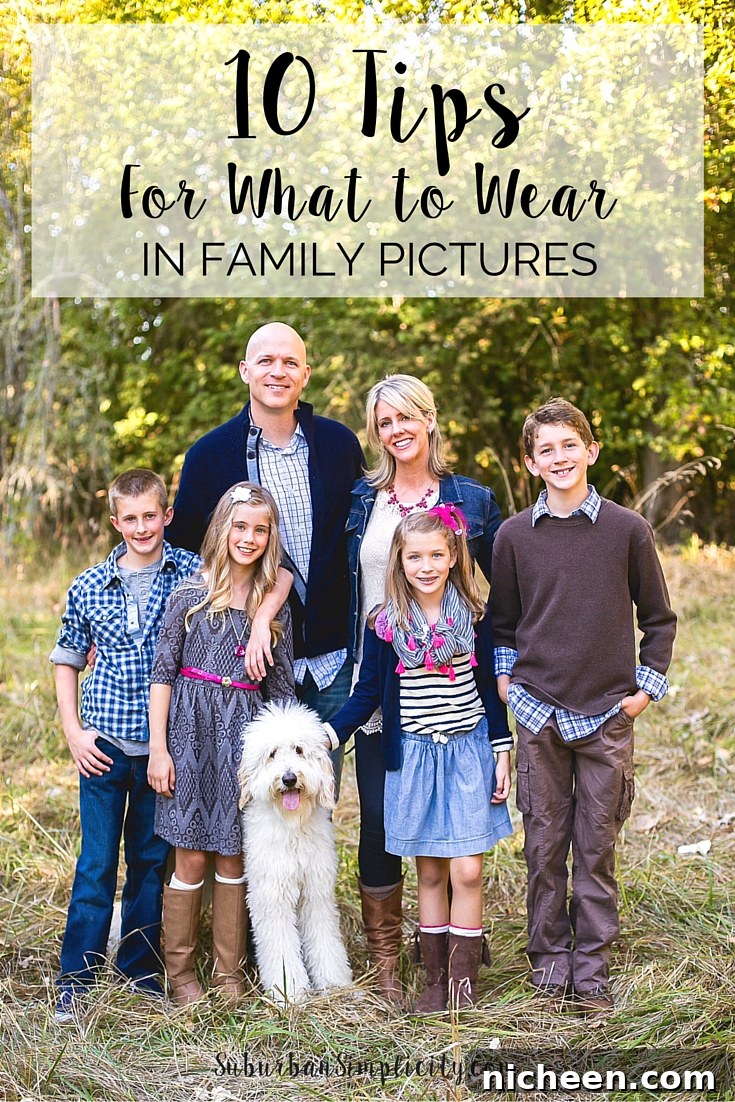
If you plan to photograph people, especially for family portraits, planning outfits and coordinating colors can make a big difference. Practical planning helps create cohesive, polished images.
1.) The Camera
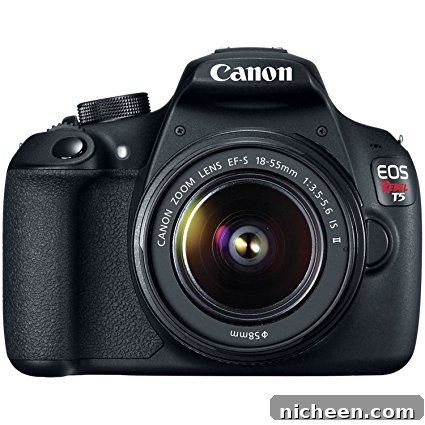
Smartphone cameras are convenient and increasingly capable, but for larger prints, better low-light performance, and more creative control, consider an interchangeable-lens camera. A DSLR or mirrorless camera is a good next step up from a point-and-shoot. Models aimed at beginners are affordable, rugged, and provide manual controls that teach the fundamentals of exposure: shutter speed, aperture, and ISO.
A reliable entry-level DSLR or mirrorless body will let you grow into new lenses and accessories. Focus on learning exposure, composition, and lighting more than chasing the latest model.
2.) Lenses
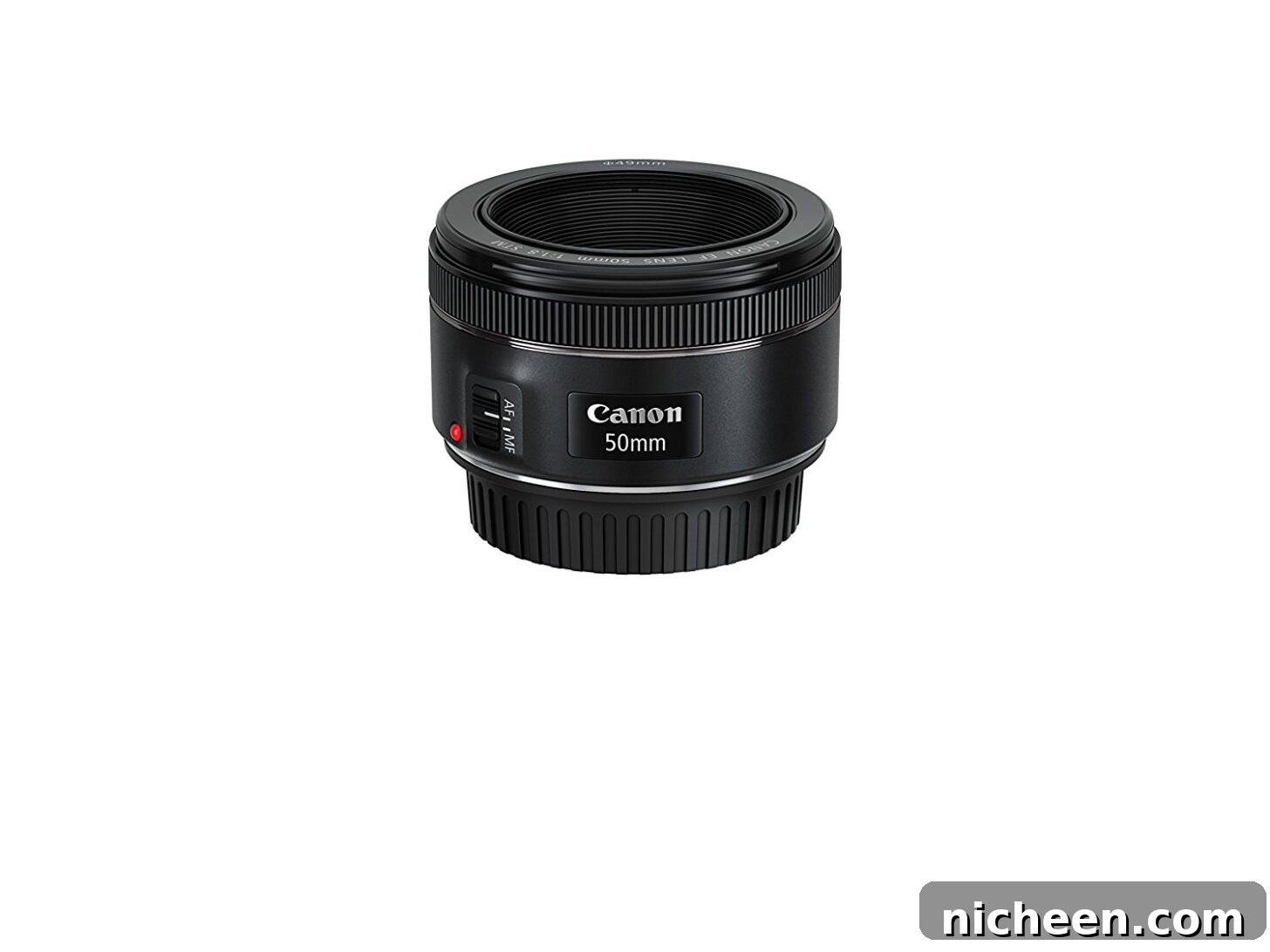
Your lens affects image quality and the look of your photos more than your camera body. Many beginner camera kits include a basic zoom lens; it’s useful, but adding a fast prime lens—such as a 50mm equivalent—will dramatically improve low-light performance and give you that creamy background blur (bokeh) that makes subjects stand out.
A 50mm or 35mm prime is versatile for portraits, food, and everyday shooting. As you specialize, you can add a wide-angle for landscapes or a telephoto for distant subjects, but a fast prime is the best single-lens upgrade for most beginners.
3.) SD Card
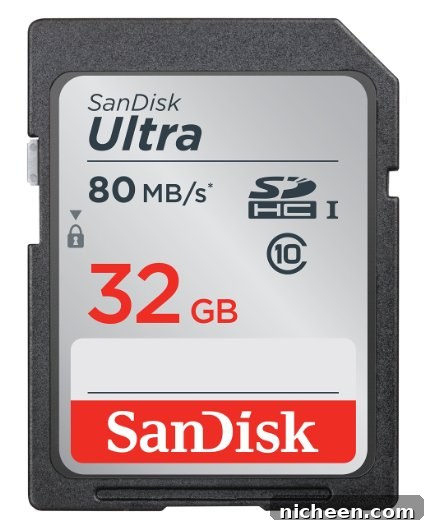
An SD card stores your images and lets you move files to a computer for editing and backup. Choose a card with good write and read speeds and adequate capacity—32GB or 64GB is sensible for many beginners. Faster cards speed up continuous shooting and reduce wait times when saving large RAW files.
Other Essential Gear
- UV filter for each lens to protect glass from scratches and dust, especially useful with kids and travel.
- A comfortable, protective camera bag to carry your body, lenses, spare batteries, and memory cards.
- A small wireless remote or camera timer if you want to include yourself in photos or avoid camera shake when shooting on a tripod.
- A lightweight tripod can stabilize shots in low light and help with composition for food and still-life photography.
Practical Tips for Better Photos
Learn the exposure triangle: shutter speed, aperture, and ISO. Practice shooting in manual or aperture-priority mode to understand how these settings affect motion, depth of field, and noise. Pay attention to light—soft natural light from a window often produces flattering, even results for portraits and food.
Composition matters. Use simple rules like the rule of thirds, leading lines, and framing to create balanced images. Move around your subject; small changes in angle and distance can dramatically improve the shot.
Post-processing is part of modern photography. Learn a basic RAW workflow: adjust exposure, white balance, contrast, and sharpness. Editing should enhance your vision, not overly alter the scene.
Backup and Workflow
Always back up your photos. Transfer files from your SD card to your computer and an external drive or cloud service. Organize images with clear folder names and consistent file naming to make future editing and retrieval simple.
More Resources
There are many beginner-friendly articles, tutorials, and courses that cover composition, lighting, and camera settings in more depth. Practice regularly, review your results critically, and experiment with different styles and subjects to develop your own photographic voice.
10 Tips for What to Wear in Family Photos